It’s a know fact that modern mobile phone batteries have reduced performance as they get older (see https://support.apple.com/en-us/101575).
One of the common recommendations is to limit the amount of time that your phone is charged to 100%.
When I go to bed at night, I always fully charge my phone.
My phone automatically connects to CarPlay when I start the car.
I really don’t want to be charging the phone to 100% every time I start driving as this can cause stress on the battery.
To mitigate this, I created two automations on my phone to limit the battery charge to 80% when it’s charging in my car (when it connects to CarPlay).

First, launch the shortcuts app on the phone. This is what the icon looks like.
Create the automations
First we need to create a shortcut to set the battery charge limit to 80% when we connect to CarPlay.
When the shortcuts app launches, create a new shortcut by tapping the “+” icon in the upper right corner.
You’ll now see the trigger settings for the automation.
Scroll down until you see “CarPlay”. Tap on that item.
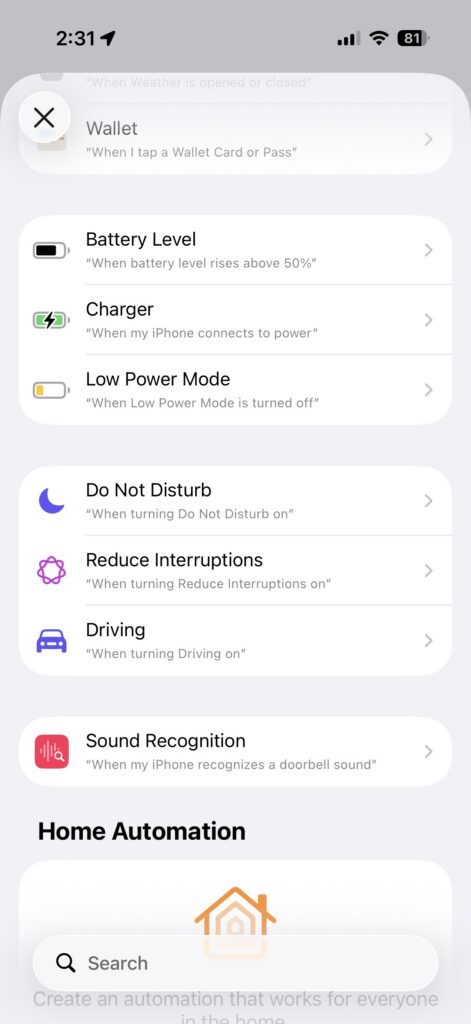
“Is Connected” should be checked and “Is Disconnected” should be unchecked.
Select “Run Immediately” and make sure the “Notify When Run” switch is off.
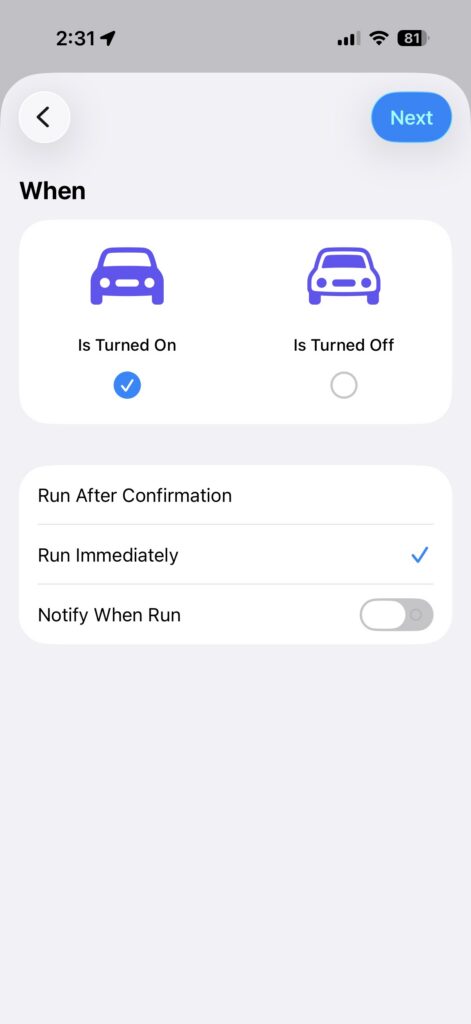
Now tap the “Next” button in the upper right corner.
You’ll now see a dialog titled “When CarPlay connects”.
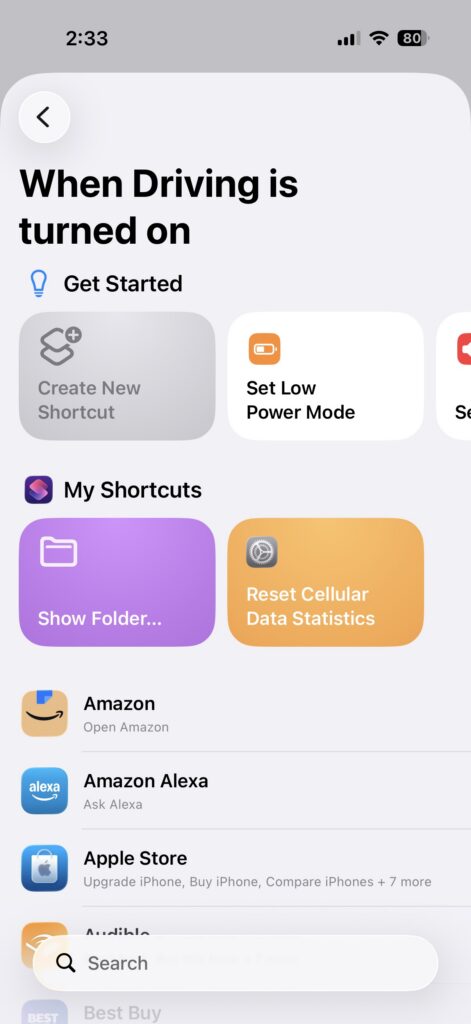
Tap the “Crete New Shortcut” button.
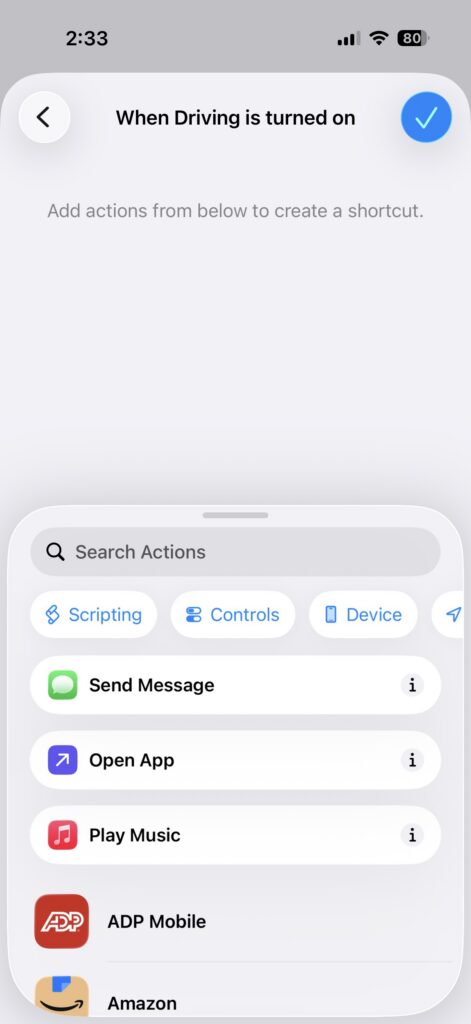
On the next dialog, tap the “Controls” button and find the “Set Battery Charge Limit” button and tap it.
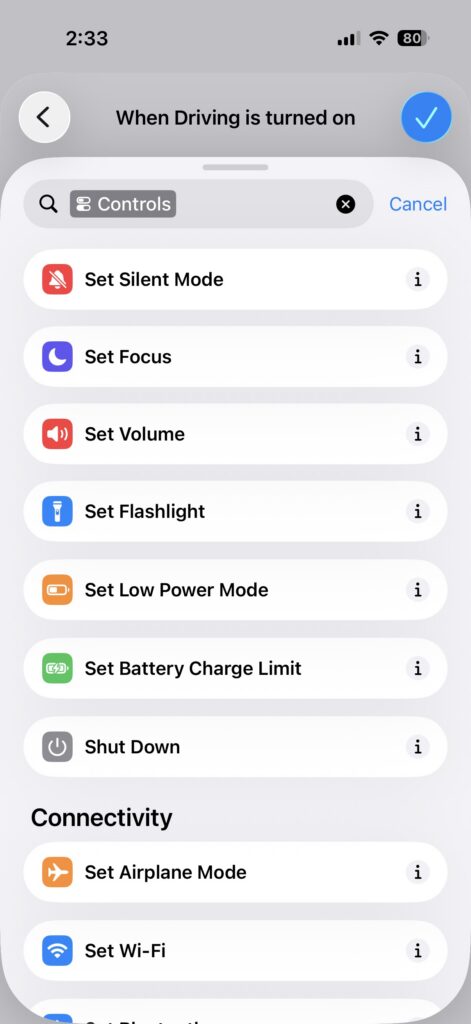
On the next dialog, make sure the battery charge limit is set to 80%.
Tap the check mark icon in the upper right corner to finish the shortcut.
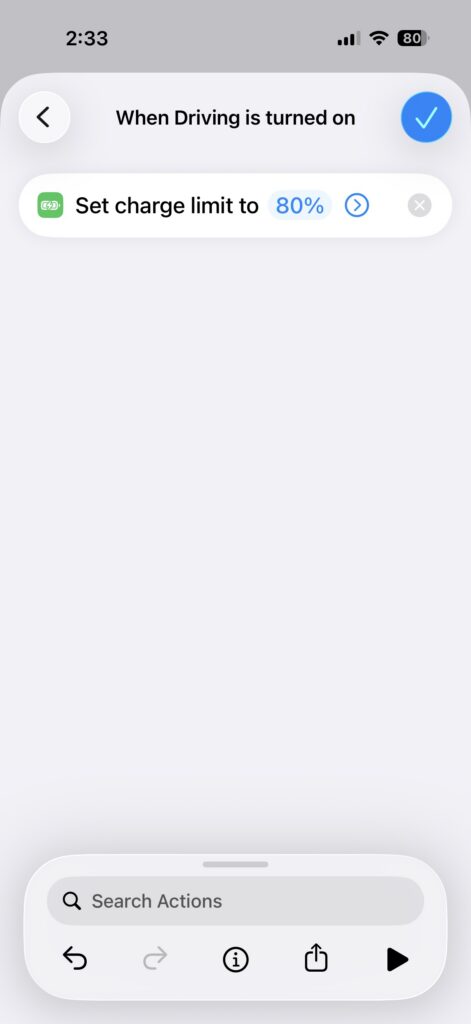
Next, we need to create a shortcut to set the battery charge limit back to 100% when we disconnect from CarPlay.
The automation is almost identical to the first one with a few exceptions.
On the trigger settings, “Is Connected” should be unchecked and “Is Disconnected” should be checked.
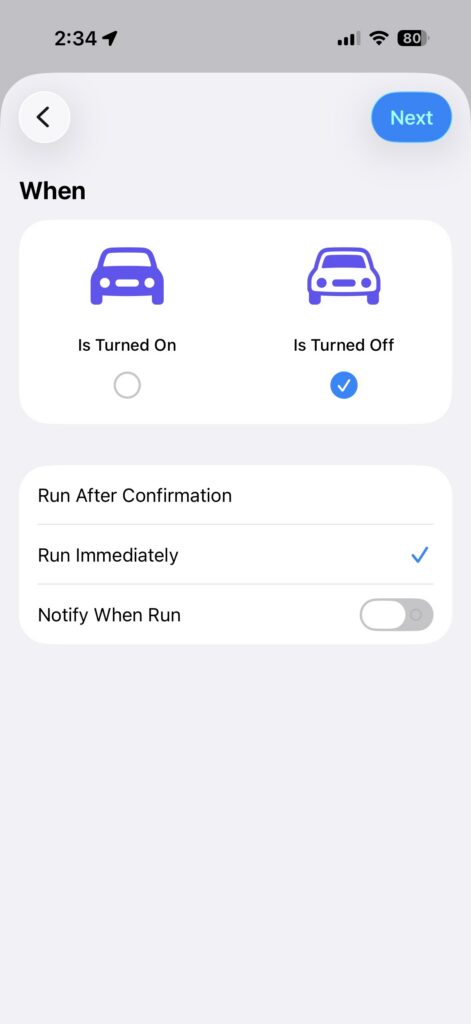
The “Run Immediately” settings are the same.
Set the “Set Battery Charge Limit” setting to 100%.
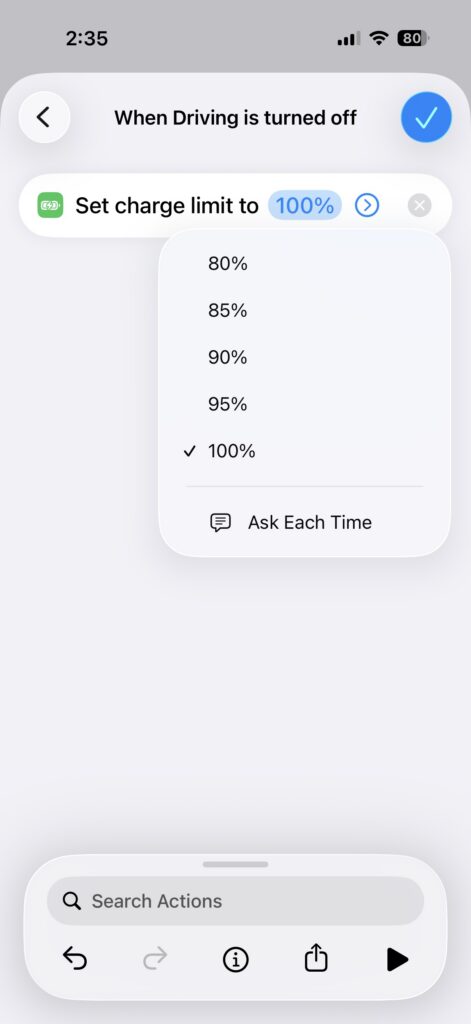
Finish as you did with the first automation.
You’re done
Now, when your phone connects to CarPlay, it will automatically set the charge limit to 80% and back to 100% when it disconnects.
The battery icon will show it’s charging, but it won’t go higher than 80%.
This technique works regardless of how the phone is charged (cable or wireless).
It does, however, require that you’re connecting to CarPlay.